
Product role
PAGUP Agent Control is a WordPress plugin built to move AI from advice to action. Instead of asking an AI what should change and then carrying out every step manually, you can let it work directly in WordPress through a separate identity.
The starting point is not the technology. It is the task.
You may want the assistant to review content, prepare new drafts, update selected pages or publish within a defined boundary. Agent Control helps choose the corresponding access level without handing the AI your human administrator account.
Current documentation, plans, modes, security information and purchasing remain centralized on wpagentcontrol.com.
From AI advice to WordPress work
Most organizations still use AI through the same sequence:
- ask a question;
- receive an answer;
- copy the result;
- open WordPress;
- apply the changes manually.
A connected AI assistant can perform part of that work directly inside the site. This creates practical opportunities for a small team that cannot outsource every review, draft or update.
Agent Control does not replace strategic expertise. It helps internalize bounded, repeatable and reviewable tasks while keeping the human decision in place.
What you can delegate
Review without changing content
Read Only fits work that should end in a report, inventory or diagnosis.
An AI assistant may:
- review a named set of pages;
- identify outdated or repetitive content;
- find structural gaps;
- prepare an editorial or SEO review;
- propose an update plan;
- compare content without being able to change it.
Prepare drafts
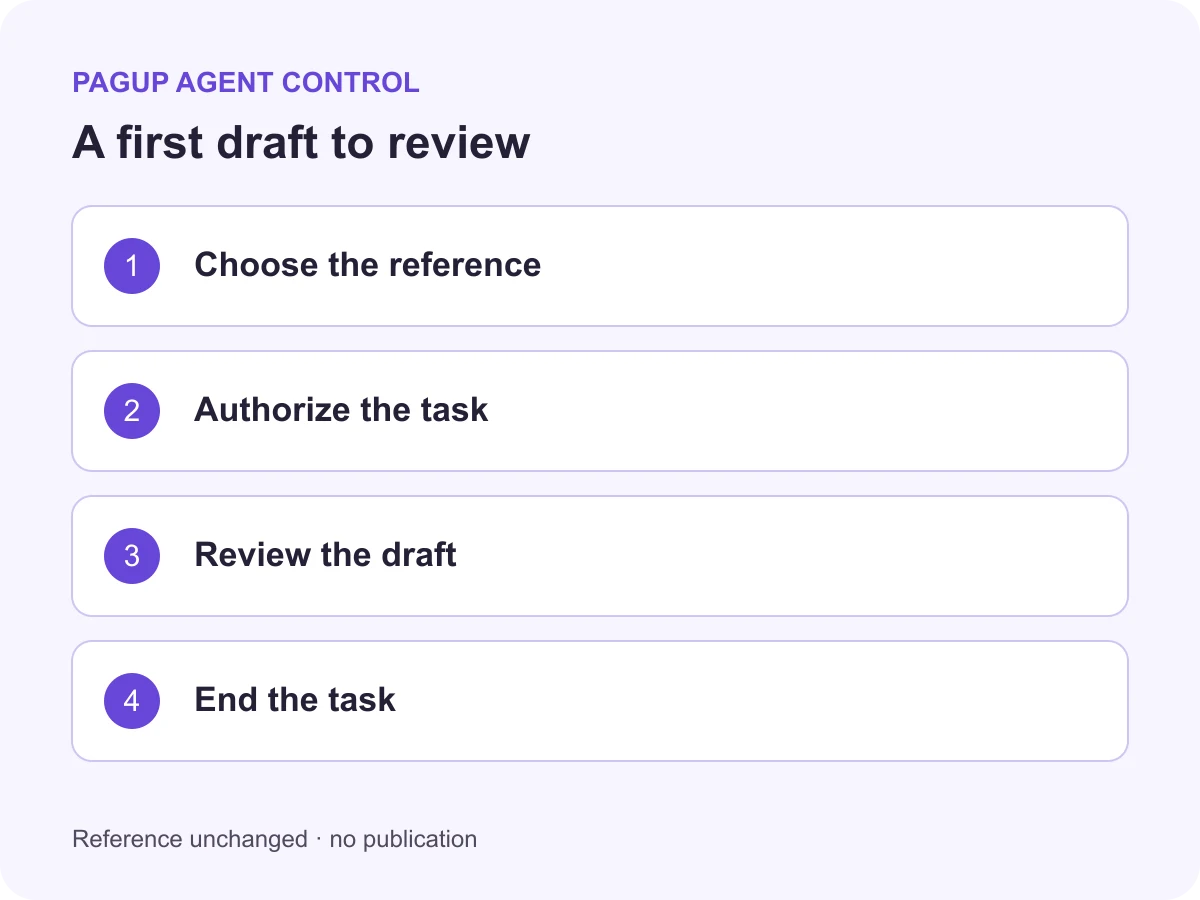
Draft lets the assistant create new content without publishing it.
An AI assistant may:
- prepare an article from a brief;
- turn notes into a WordPress draft;
- create a reviewable FAQ;
- prepare a landing page;
- draft a localized version;
- structure an editorial series.
Update existing content
Content Editor allows bounded changes to explicitly named content without turning the assistant into a general administrator.
An AI assistant may:
- correct text;
- refresh an old page;
- update approved titles, excerpts or taxonomies;
- apply a reviewed internal-link plan;
- harmonize selected fields;
- execute a documented correction list.
Publish within a defined boundary
Publisher adds publishing capability on the documented surfaces.
It fits work where:
- the content is precisely identified;
- validation criteria are known;
- the publishing condition is explicit;
- a human accepts that the assistant may complete the workflow.
The four modes are explained on the Protected modes page.
What Agent Control adds
Agent Control does more than create a WordPress user.
It structures the work around:
- a dedicated WordPress identity;
- a mode matched to the task;
- a guided configuration package;
- a prompt library to adapt;
- different technical boundaries by mode;
- request attribution on supported paths;
- denials when a write exceeds the published policy;
- scoped snapshots on supported surfaces;
- bounded restoration;
- revocation of the registered profile.
These mechanisms are not universal guarantees. Their exact scope depends on the release, mode, entry point and operation surface. wpagentcontrol.com remains the canonical source for current capabilities and limitations.
A prompt library for the first task
The first difficulty is not always the connection. It is often defining the work properly.
Agent Control’s prompt library includes templates for:
- a bounded content inventory;
- a draft from an approved brief;
- an update limited to approved fields;
- publishing only after a checklist;
- a Full Power preflight before administrative work.
Each template separates the objective, required inputs, prohibited actions and expected result.
Why this matters to small teams
A small business, solo operator or nonprofit cannot necessarily commission outside help for every WordPress task.
Agent Control supports a smaller starting point:
- choose one task;
- keep a human in the loop;
- limit the access level;
- reuse a structured prompt;
- review the result;
- remove access when the work ends.
The goal is not to automate everything. It is to add an internal capability without confusing autonomy with the absence of control.
What the product does not replace
Agent Control does not replace:
- content strategy;
- website architecture;
- a complete backup;
- a security audit;
- WordPress expertise for complex operations;
- human review of facts and content;
- an agency or developer when the level of risk requires one.
It also does not detect every third-party agentic surface that may exist on a site.
Full Power is a separate workflow
Some administrative tasks genuinely require a WordPress administrator role. Full Power addresses that case, but it is not a fifth protected mode.
It is a separate add-on with a preflight, explicit responsibility and a reduced assurance boundary. It should not be treated as the default starting point.
Current conditions and limitations belong in the Full Power documentation.
What this product demonstrates about Pagup
Agent Control demonstrates a capability beyond building a plugin.
It shows Pagup’s ability to:
- turn an abstract governance problem into a usable workflow;
- connect identity, permission, logging, recovery and revocation;
- design for people who are not agent-system specialists;
- publish limitations with the same care as features;
- build the WordPress product, product site, documentation and machine surfaces as one coherent system.
Where it fits in the ecosystem
Agent Control addresses a precise boundary: the identity and authority given to an AI assistant that is intentionally allowed to work inside WordPress.
That boundary differs from:
- crawl governance, addressed by Better Robots.txt;
- public-site operability for agents, evaluated by the Agentic Readiness Audit;
- interpretive governance of content and sources;
- machine-first website architecture.
These layers are complementary. They should not be conflated.
For current use cases, modes, prompt templates and plans, visit wpagentcontrol.com.
